VegoTV App ⭐ Recommended
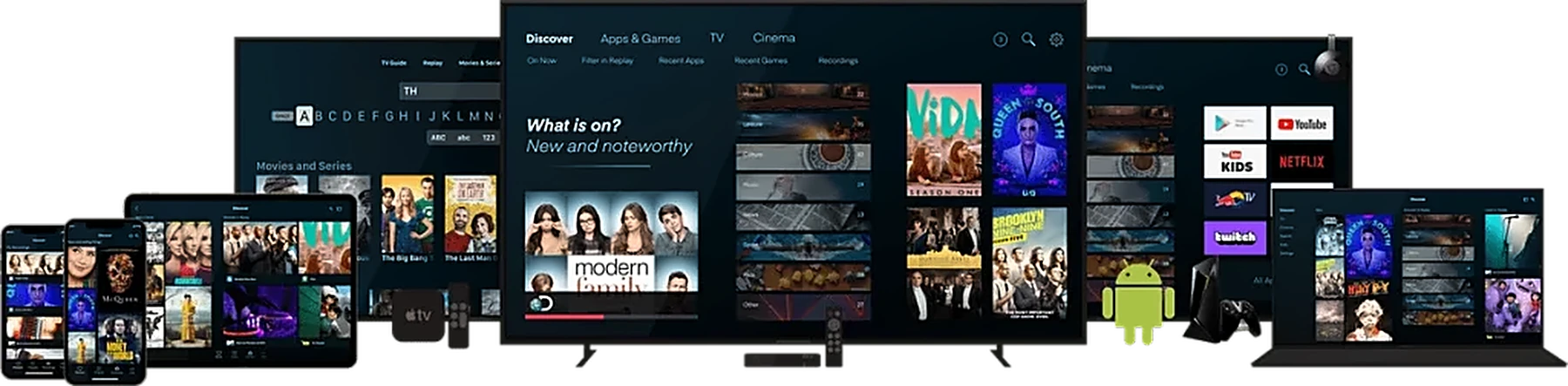
Our official app works on any device with Android 5.0 or newer:
- Amazon Firestick (Lite, 4K, 4K Max) and Fire TV Cube
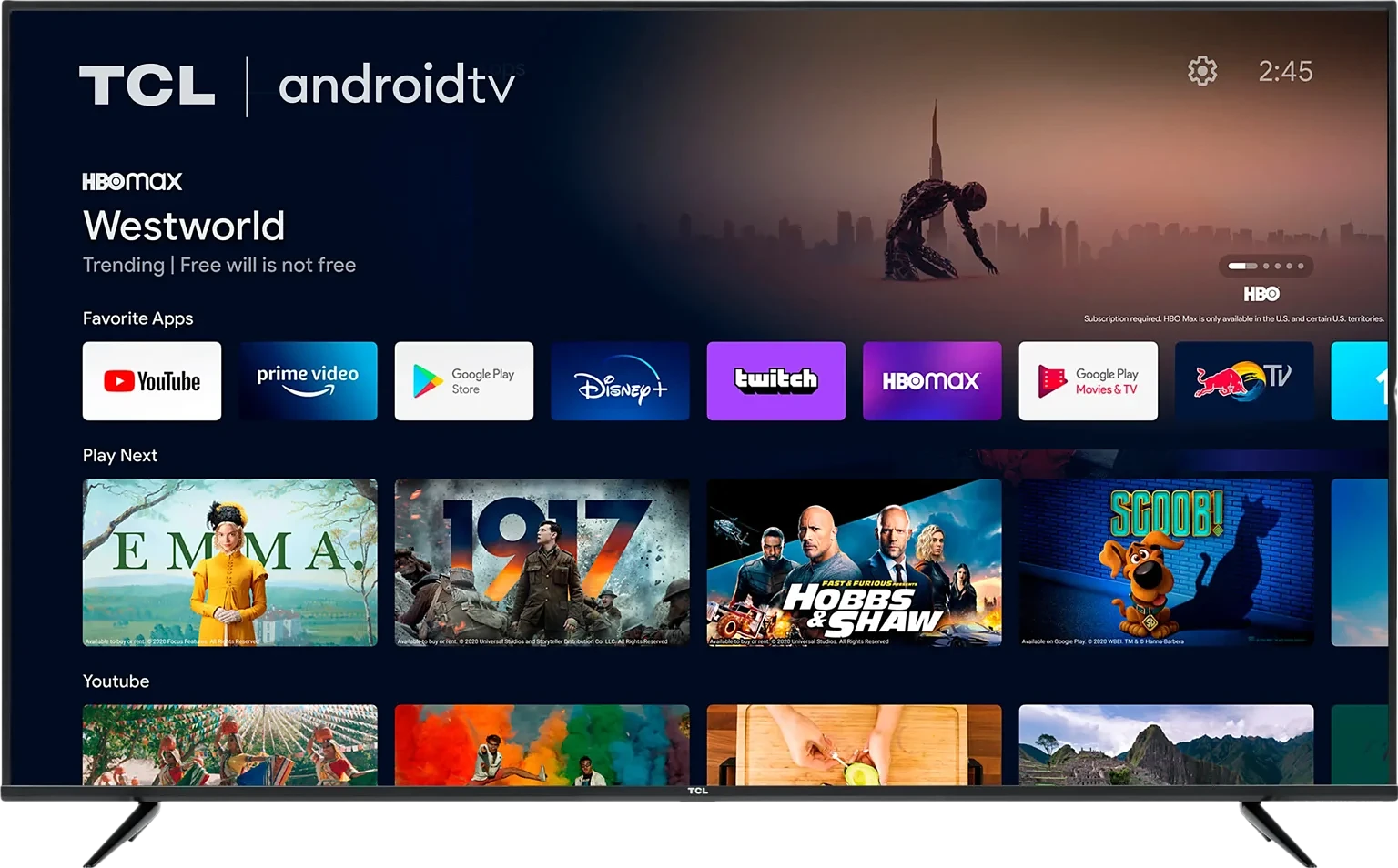
- Google TV / Android TV: Sony, TCL, Hisense, Philips, Xiaomi…
- Chromecast with Google TV
- Android boxes: Nvidia Shield, Mi Box, Formuler, X96, T95…
- Android phones and tablets: Samsung, Xiaomi, Oppo… and Amazon Fire tablets
Downloader code: 9333187
Short link: aftv.news/9333187
- Install the “Downloader” app (Amazon App Store or Google Play).
- Open Downloader and enter the code 9333187, then press Go.
- Install the VegoTV app and open it.
- Log in with the username and password you received by email.
On an Android phone, simply open
aftv.news/9333187
in your browser to download the app.
Smart TV (Samsung / LG)
- Open the app store on your TV and install “Smarters Pro” or “IBO Player”.
- Open the app and choose “Login with Xtream Codes API”.
- Enter the username, password and server URL you received from VegoTV by email.
- Click “Add User” and wait for the channels, movies and series to load.
Need help? Contact our support team, we install it with you.
Amazon Firestick / Fire TV
- Go to Settings → My Fire TV → Developer Options and turn ON “Apps from Unknown Sources” (or “Install unknown apps” for Downloader).
- Search and install the “Downloader” app from the Amazon store.
- Open Downloader and enter one of these codes, then press Go:
- VegoTV App
 → 9333187
- DTVimate → 4472223
- DTV Smarters → 8586533
Install the app, open it and log in with the details you received from VegoTV by email.
Android TV / Google TV / Android Box
- Open Google Play Store and install the “Downloader” app.
- Open Downloader and enter one of these codes, then press Go:
- VegoTV App → 9333187
- DTVimate → 4472223
- DTV Smarters → 8586533
If asked, allow Downloader to install unknown apps. Then open the app and log in with your VegoTV details.
iPhone / iPad
- Open the App Store and install “Smarters Player Lite” or “IBO Player”.
- Open the app and add a new playlist with Xtream Codes login.
- Enter your VegoTV username, password and server URL.
- Start watching on your iPhone or iPad.
Need help? Contact our support team, we install it with you.
Windows & Mac
- Download “Smarters Pro” for Windows or Mac from the official website, or use VLC with your M3U link.
- Open the app and choose Xtream Codes login.
- Enter your VegoTV details and click “Add User”.
- Watch in full screen on your computer.
Need help? Contact our support team, we install it with you.
MAG Box
- Go to Settings → System Settings → Servers → Portals.
- Enter the portal URL you received from VegoTV in “Portal 1 URL”.
- Send us your MAC address so we can activate it.
- Restart your MAG box and start watching.
Need help? Contact our support team, we install it with you.